Complete Guide
How to Use Oryoo How to Use
A complete guide to managing clients, orders, payments, and more
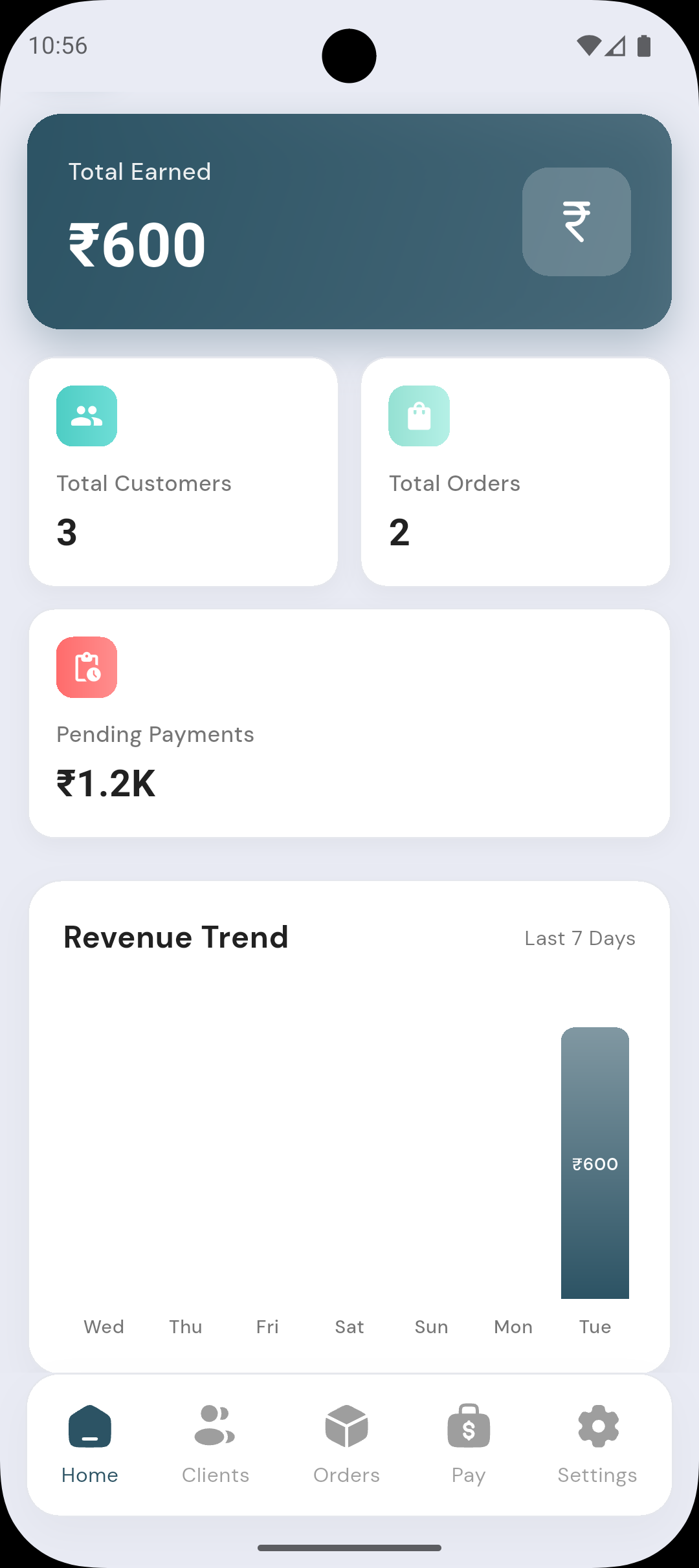
Step 1
Adding Clients
Add your customers to manage orders and payments. Go to the Clients tab and tap the add button.
📒
Before
✓
After

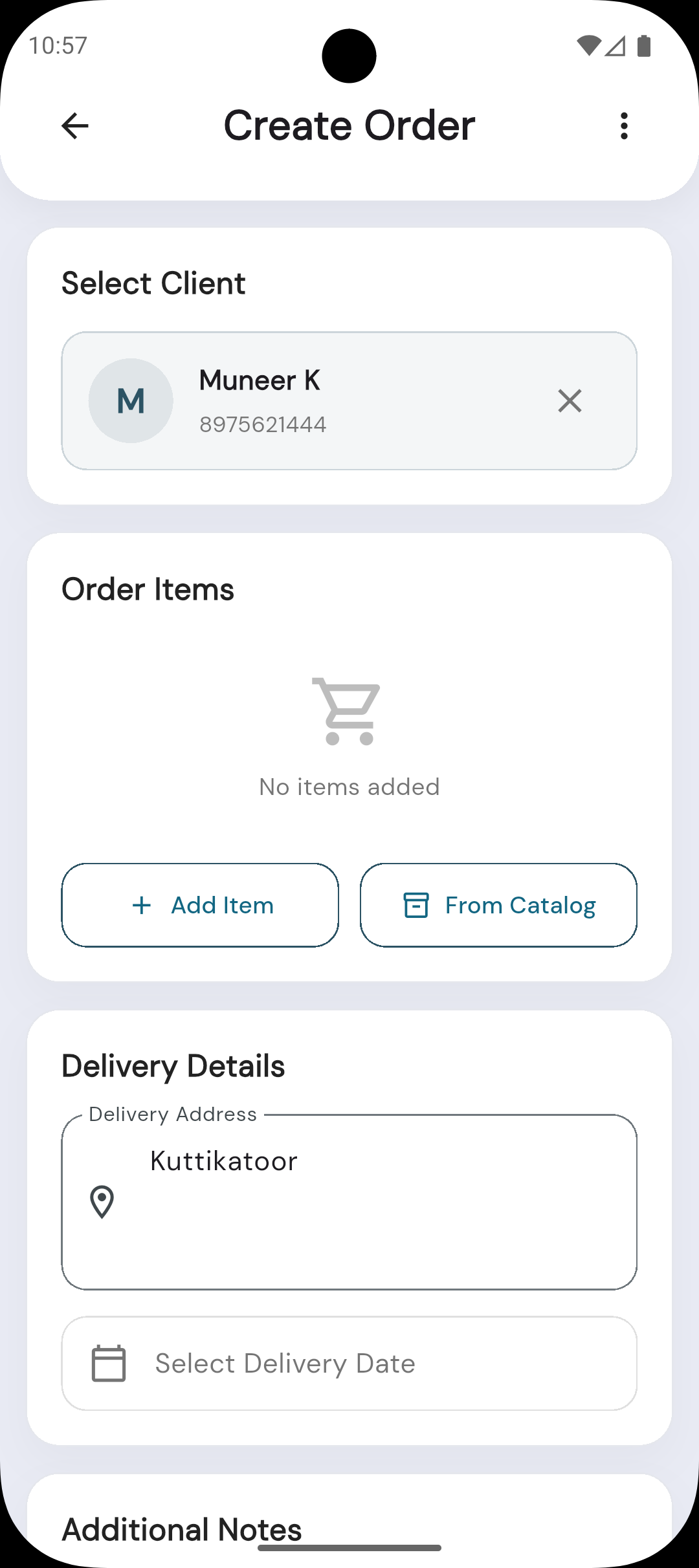
Step 2
Create Order
Create orders for your clients with items, quantities, and delivery details.
📋
Before
✓
After
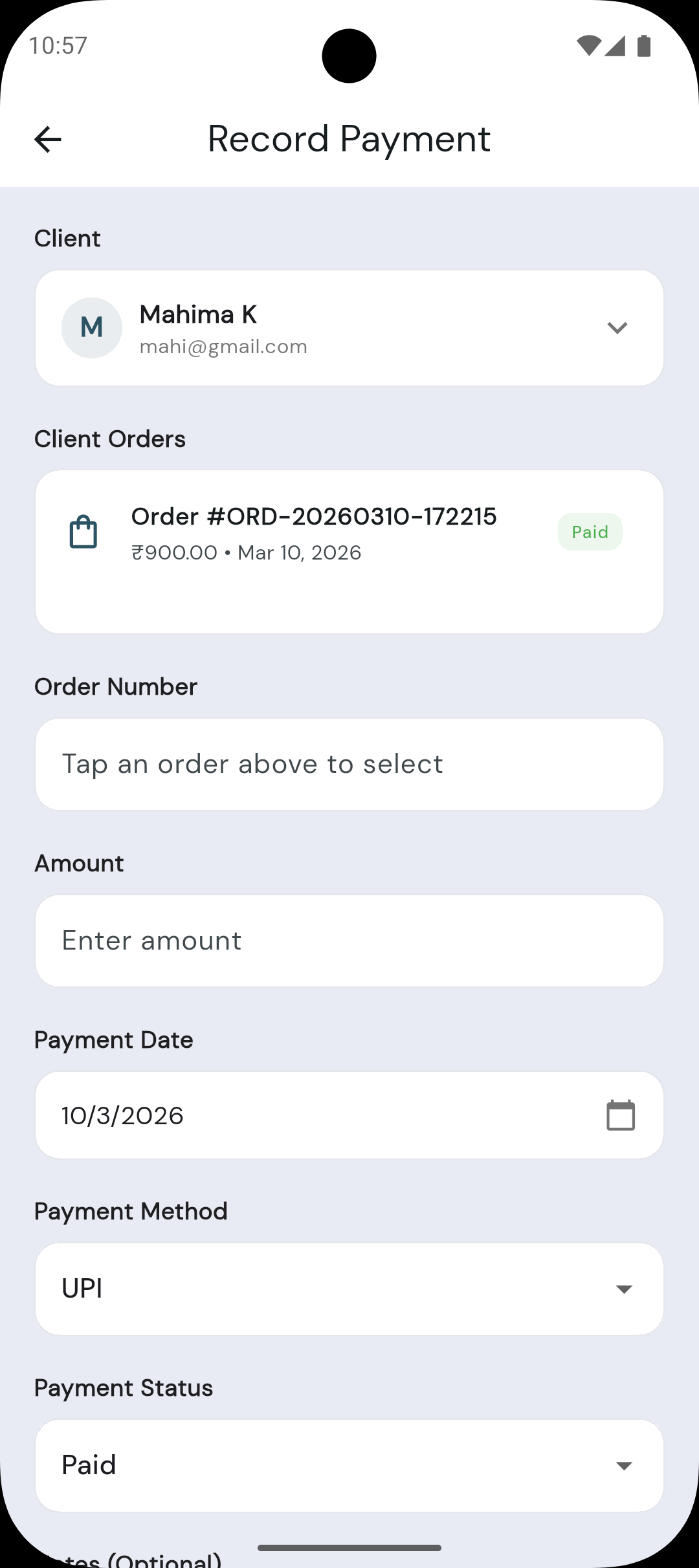
Step 3
Record Payment
Track payments received from clients. Link payments to orders for accurate records.
💵
Before
✓
After
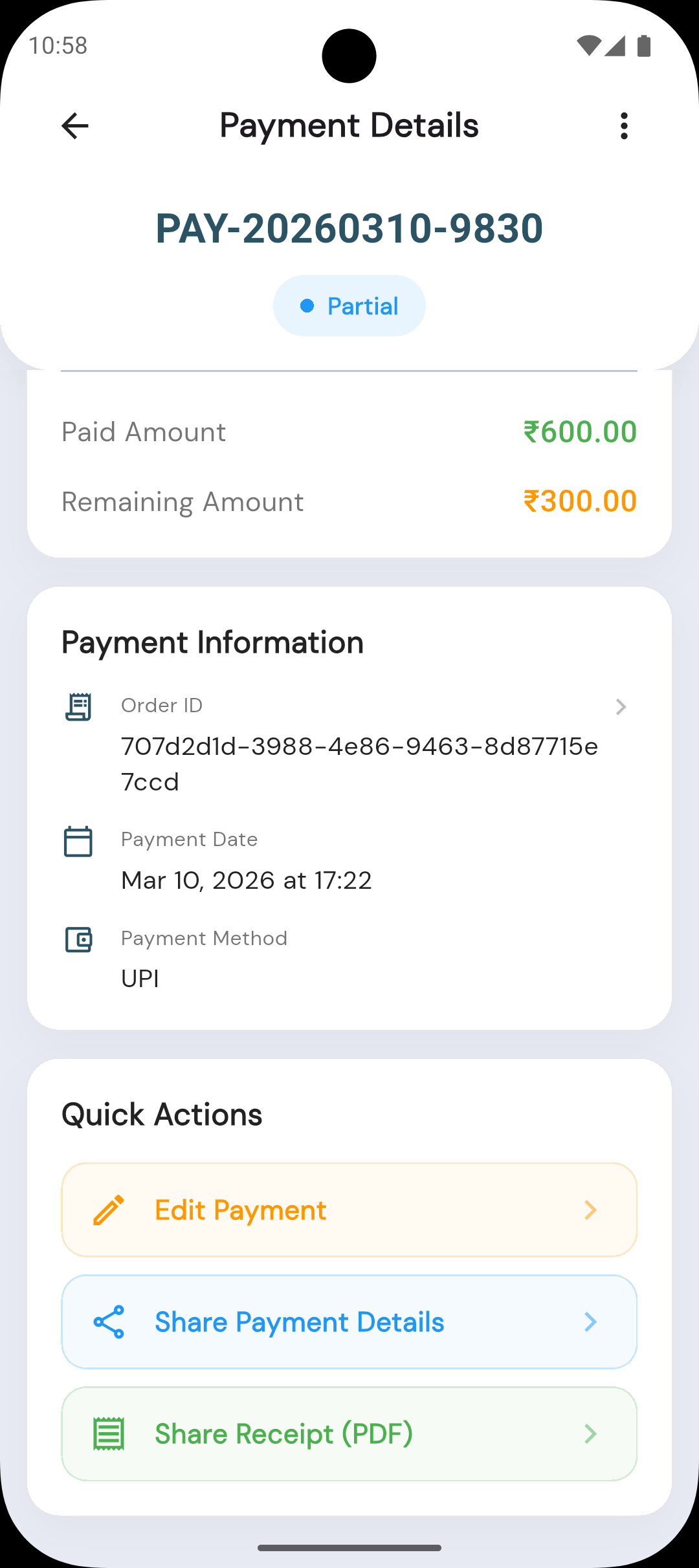
Step 4 & 5
Share Message & Invoice
From Order Details, share order info via WhatsApp or generate and share a PDF invoice.
✏️
Before
✓
After
You're All Set!
Start adding clients, creating orders, and managing payments with Oryoo.

Oryoo — Simplify your business